


auntie monkey
monkey@greatape.casa@max you gotta save your configs in a git repo that's what I do. I haven't reconfigured stuff in a while.
 1
1
 0
0
 2
2
auntie monkey
monkey@greatape.casa@max at this point I just use the default swaybar I don't even care lol
0
0
2





Princess Serena Star ✨
Starcross@mk.absturztau.be@max KDE for customization and general “power user” vibes; GNOME for basic setups, simple apps
1
0
1
max ✦
max@popbob.wtf@Starcross i wanna use kde but the defaults look like shit and the third party themes look even shittier, and gnome’s ui on 1366x768 is incredibly zoomed in and cumbersome
3
0
0

max ✦
max@popbob.wtf@Starcross i wish the guy finished this theme
https://x.com/otomir23/status/1980389042861883457?s=20
1
0
0
Princess Serena Star ✨
Starcross@mk.absturztau.be@max Any specific look you’d be aiming for on KDE? Cuz yeah I agree Breeze sucks but personally I love the Oxygen style (It’s an older, glossier style)
2
0
1


Princess Serena Star ✨
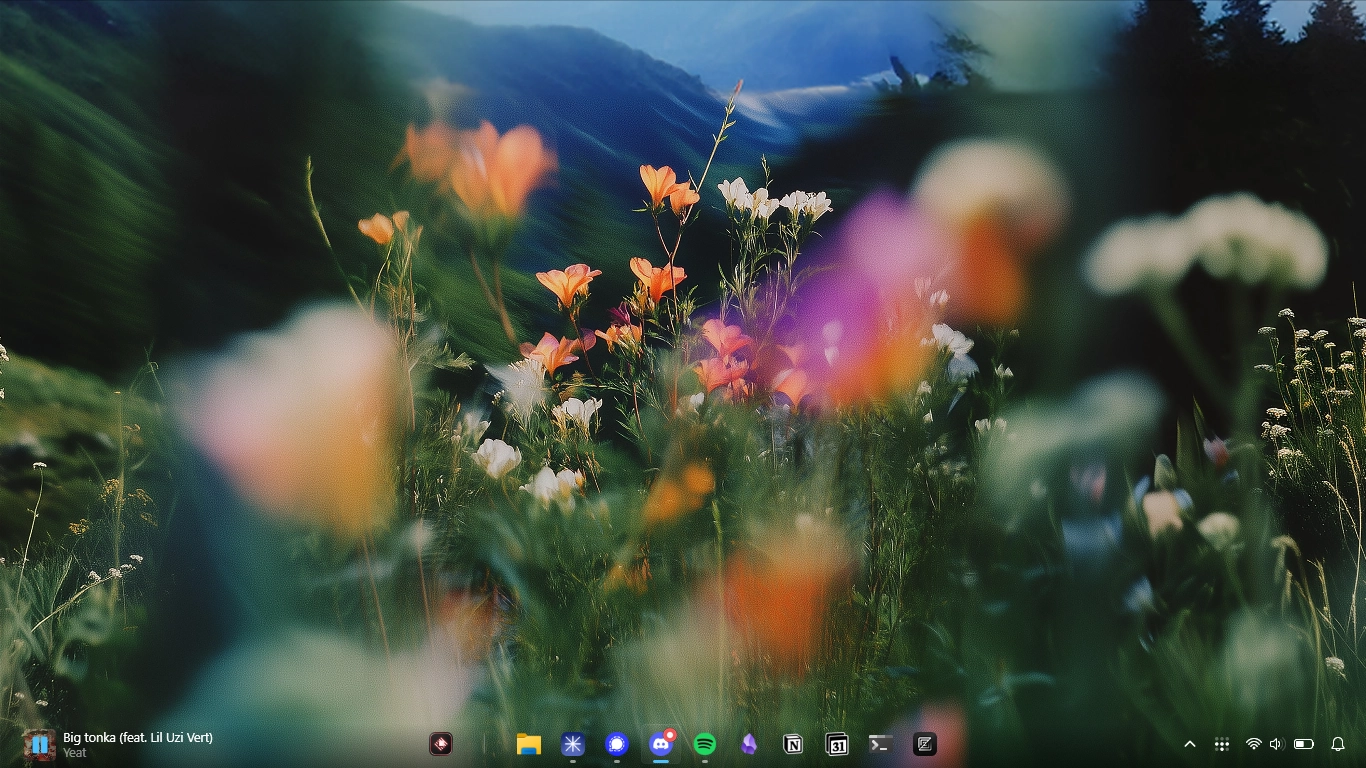
Starcross@mk.absturztau.be@max A global theme like this will probably get you really close to that layout fast, just check the “desktop layout” option in the global theme:
https://store.kde.org/p/1406038
There’s also better blur if that’s your thing:
https://store.kde.org/p/2315827
1
0
1
max ✦
max@popbob.wtf@Starcross im just really tired of mac os themes atp
but better blur i may look into, seems like a good liquid glass reimplementation
1
0
0
Princess Serena Star ✨
Starcross@mk.absturztau.be@max understood and respectable. just kinda seemed like the vibe you were going for with that screenshot. At the very least, if you download one of those Mac global themes I believe you can uncheck elements you don’t want while having it mimic the layout depicted. then you can customize further.
0
0
1