


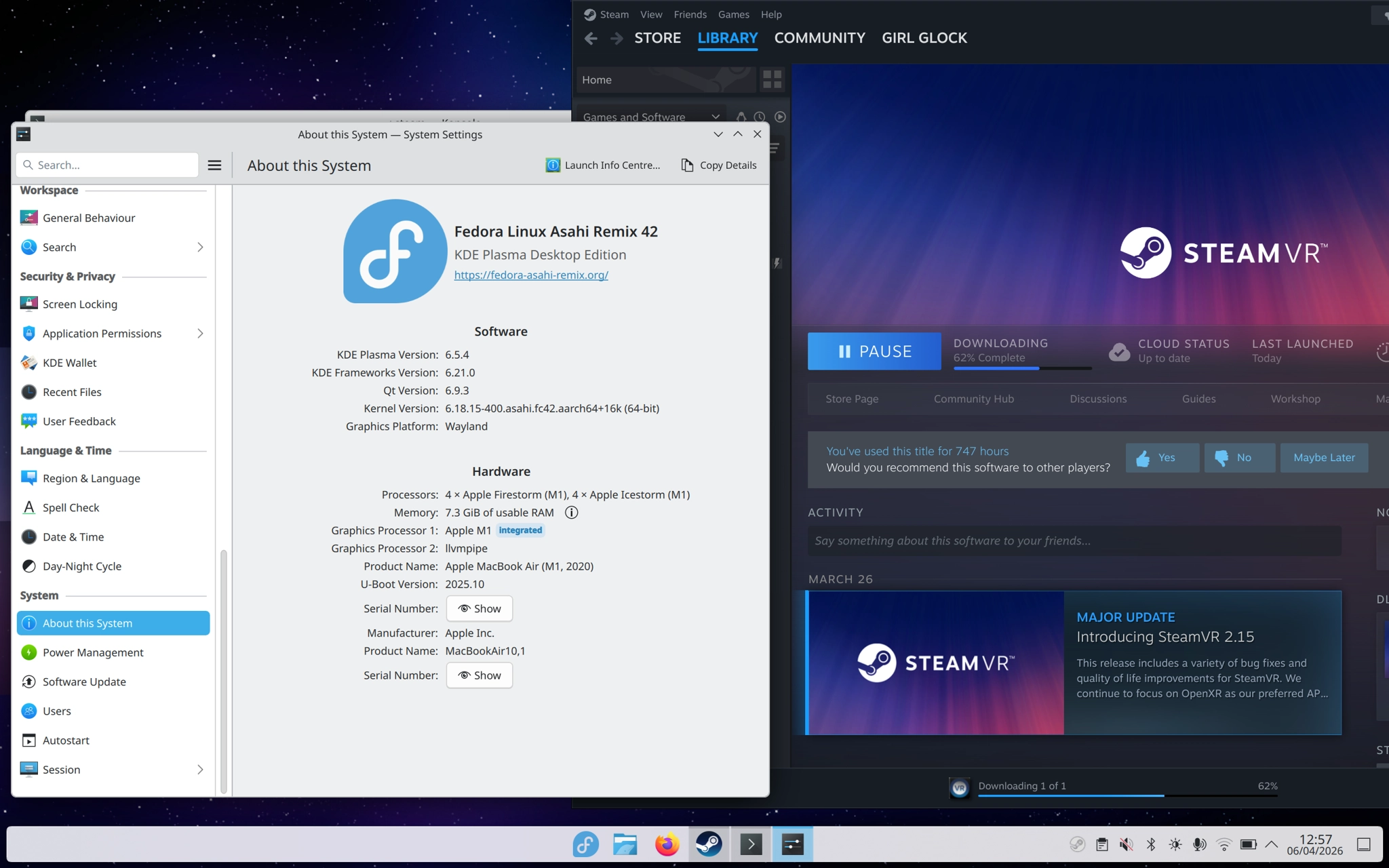
💡 TIP: Asahi Linux does not yet support external displays.
https://asahilinux.org/docs/platform/feature-support/m1/#soc-blocks
 1
1
 0
0
 0
0
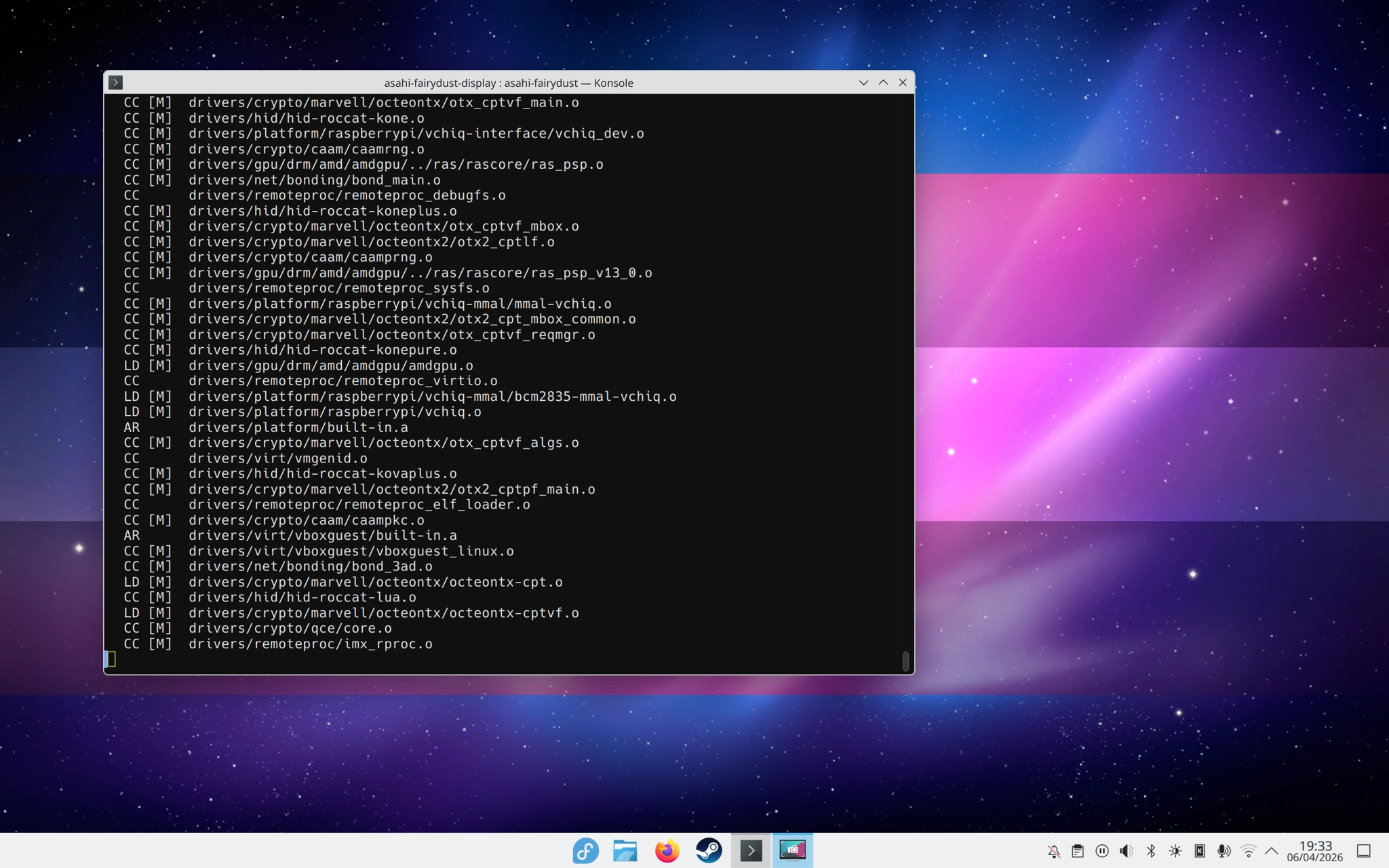

@Stellar thanks!! i knew having a trans flag macOS wallpaper would be a funny fit for this setup
0
0
1
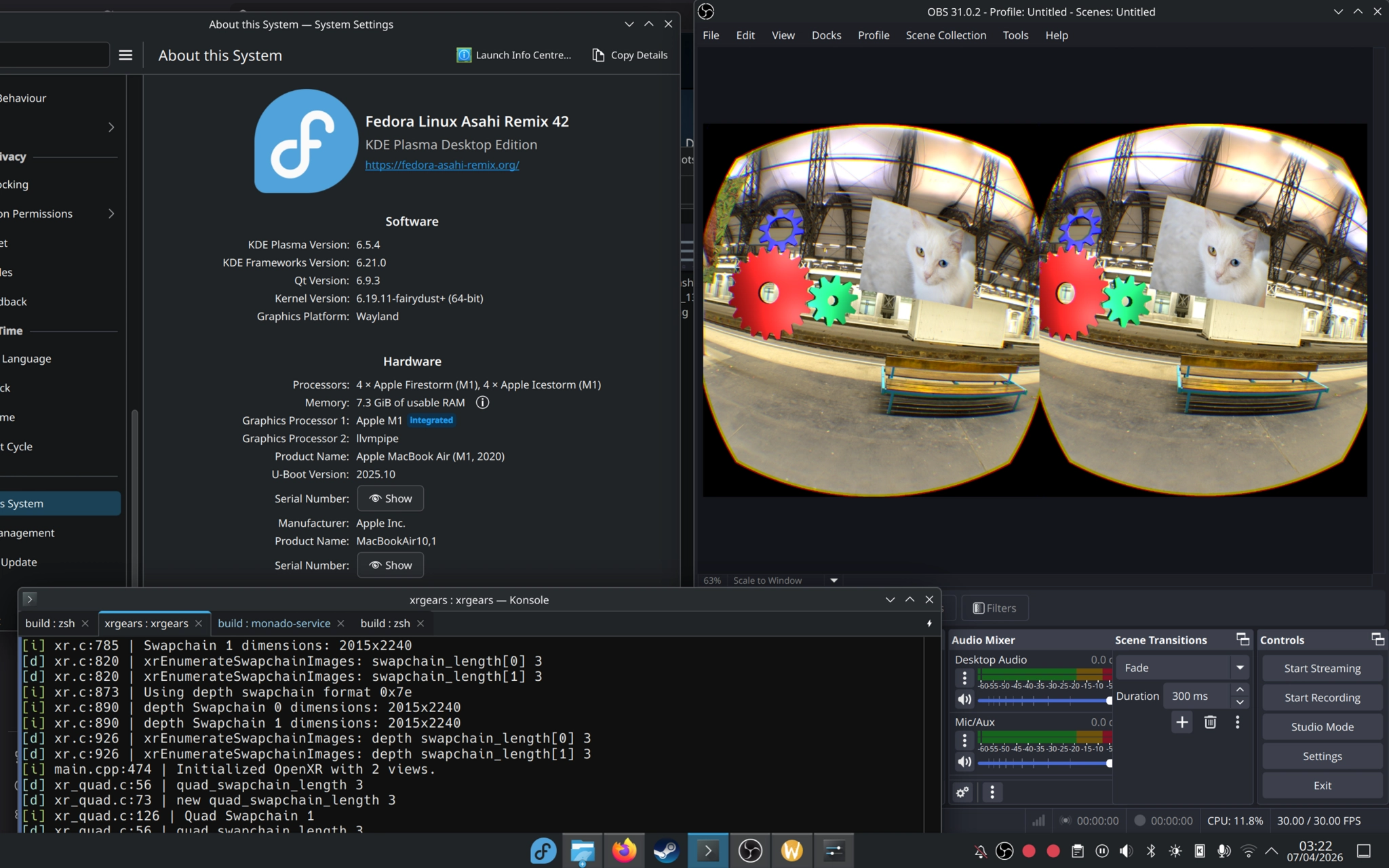
this is. an awkward setup. in brief:
- asahi linux running the experimental fairydust kernel (helpful build/install script here). this provides the DP aux support i need to get a valve index running over USB-C.
- monado compiled from source, with xrgears running on top. xrgears needs to be told which XR runtime to used with
XR_RUNTIME_JSON, but otherwise doesn’t seem to require any special care. - for whatever reason, the headset appears in KDE as an external display. not sure how to fix that, also not a high priority for me. my best guess is it has something to do with the experimental nature of this distro supporting DP aux mode at all.
i’m very excited to get this up and running with other, more interesting apps sometime later! for now, it’s really quite late and i should sleep zzz
2
1
0

@georgia steam works, yes, though don’t expect fantastic performance- there’s many layers of translation and emulation at play so it can really struggle on the constrained hardware of the macbook air.
running native apps is pretty solid though, even for VR! the asahi team still warn that the distro and kernel is very much work-in-progress though (things like external display support required compiling an experimental branch of the kernel, for example)
yeah, both marcan and lina left the project- they were effectively bullied off, as i remember. it was really shitty. i’m not quite sure what the state of the project is following that, but progress certainly feels slower than when they were both around :/
0
0
0
“can you play x86 VR games on it?”
right now, probably not: https://www.reddit.com/r/AsahiLinux/comments/1ghv6jj/comment/lv1ie1u/
tl;dr there’s so many compatibility and emulation layers involved that get in the way of the direct hardware interface needed for wired VR. wireless might work, though! another option is waydroid (😨)
0
1
0
@georgia she’s listed as a past contributor, so i’m assuming no. they’ve lost some really incredible talent over the years 🥀
0
0
0

pancakes 
pancakes@meow.company

@ari woah monado on m1 is cool
and yeah that sounds like drm leasing being broken
1
0
0
0
0
0